

Assign your team’s tasks right from the field
With Mobile Dispatch, no need to wait until you’re back at the office. The dispatcher assigns their team’s tasks from the mobile app.
What changes
Office and field, on the same task
Assign without going back to the office
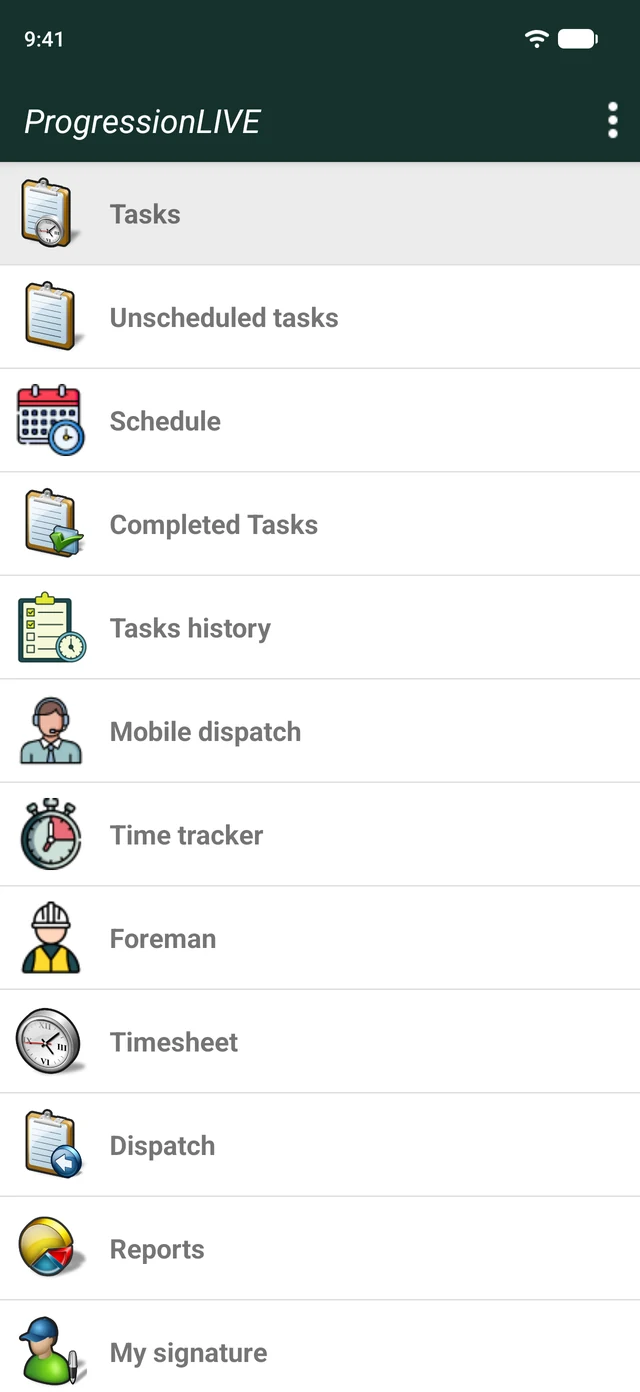
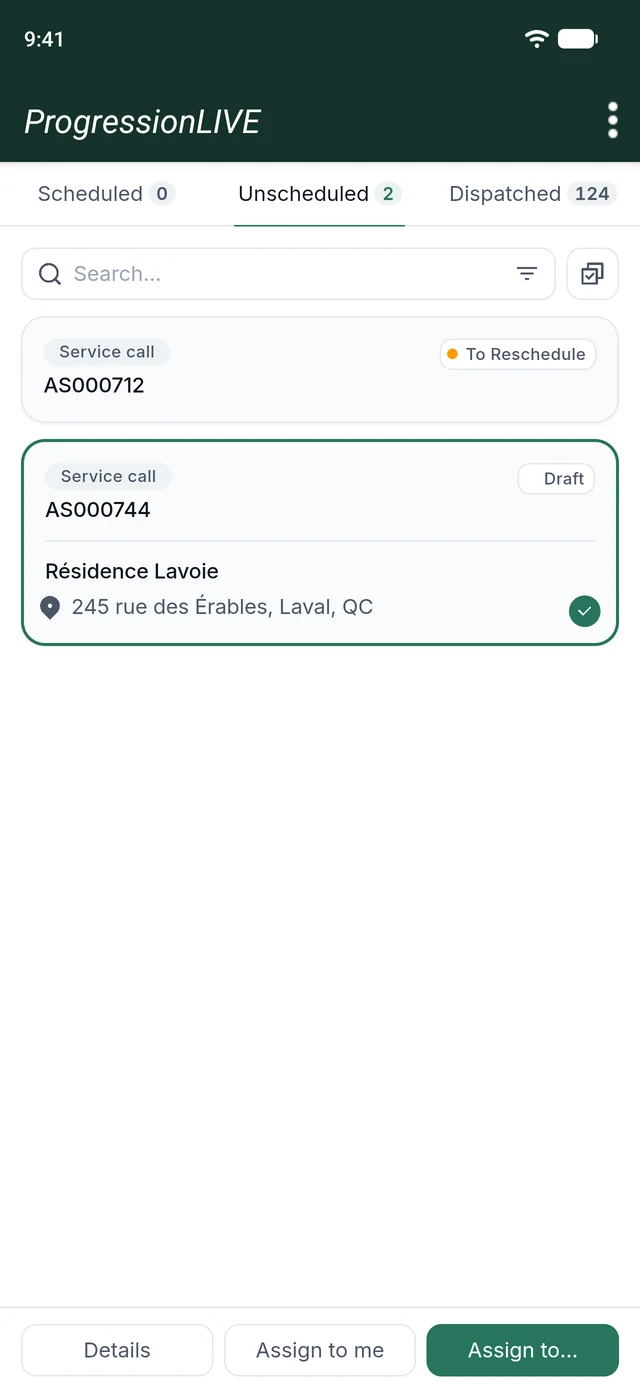
The Mobile Dispatch menu shows tasks waiting for a resource. You assign them in a few taps, wherever you are.
Your technicians keep working
In self-service, a technician picks up an open task on their own, without waiting to be assigned one.
Reassign when your day changes
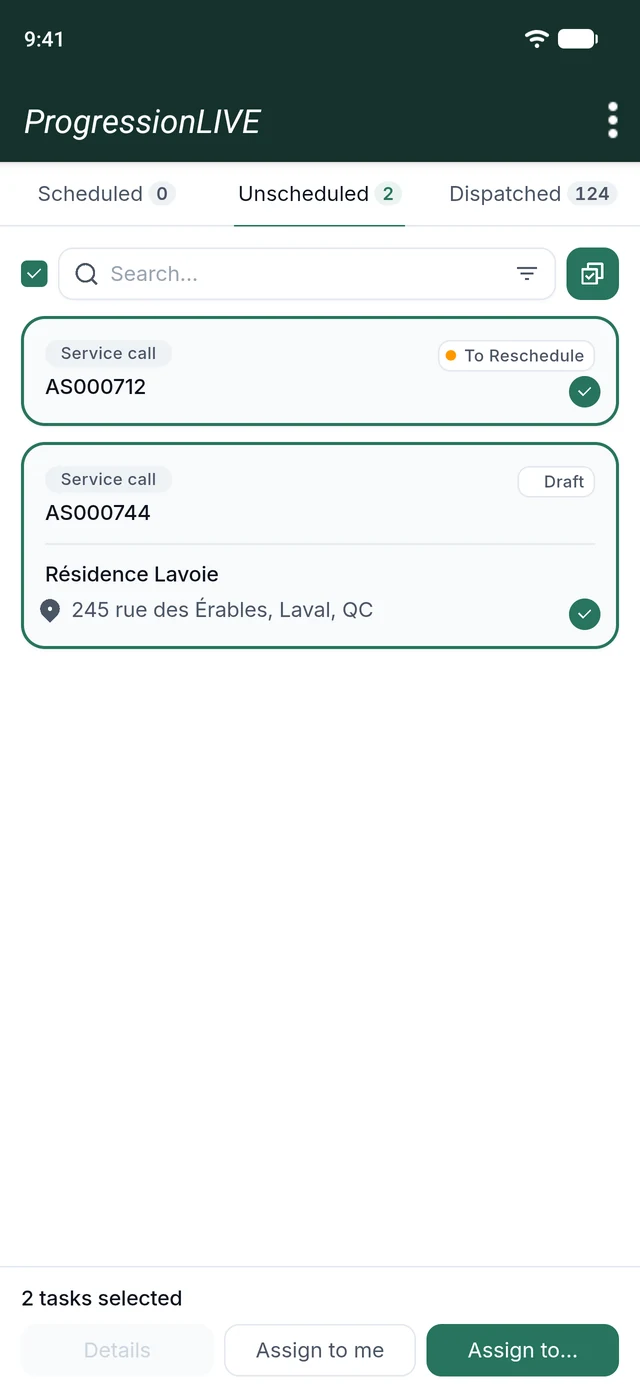
An absence or an emergency? Reassign tasks that are already assigned, one by one or up to 50 at a time.
Two profiles, one app
The independent technician works in self-service. The dispatcher or foreman assigns to any active resource and manages a task’s additional resources.
How it works
Assign in a few taps.
FAQ
Frequently asked questions
Who can use Mobile Dispatch?
Roles with the permission, in self-service mode for technicians or dispatcher mode for those who assign.
Why can’t I see the menu?
At first, only the main administrator role has access. From that role, give permission to the other roles. For more information, see the documentation.
What’s the difference between self-service and dispatcher?
In self-service, the technician takes open tasks. In dispatcher mode, you assign and reassign to any active resource.
How many tasks can I assign at once?
Up to 50.
Is Mobile Dispatch included in my plan?
Yes, in Pro and Premium.

